
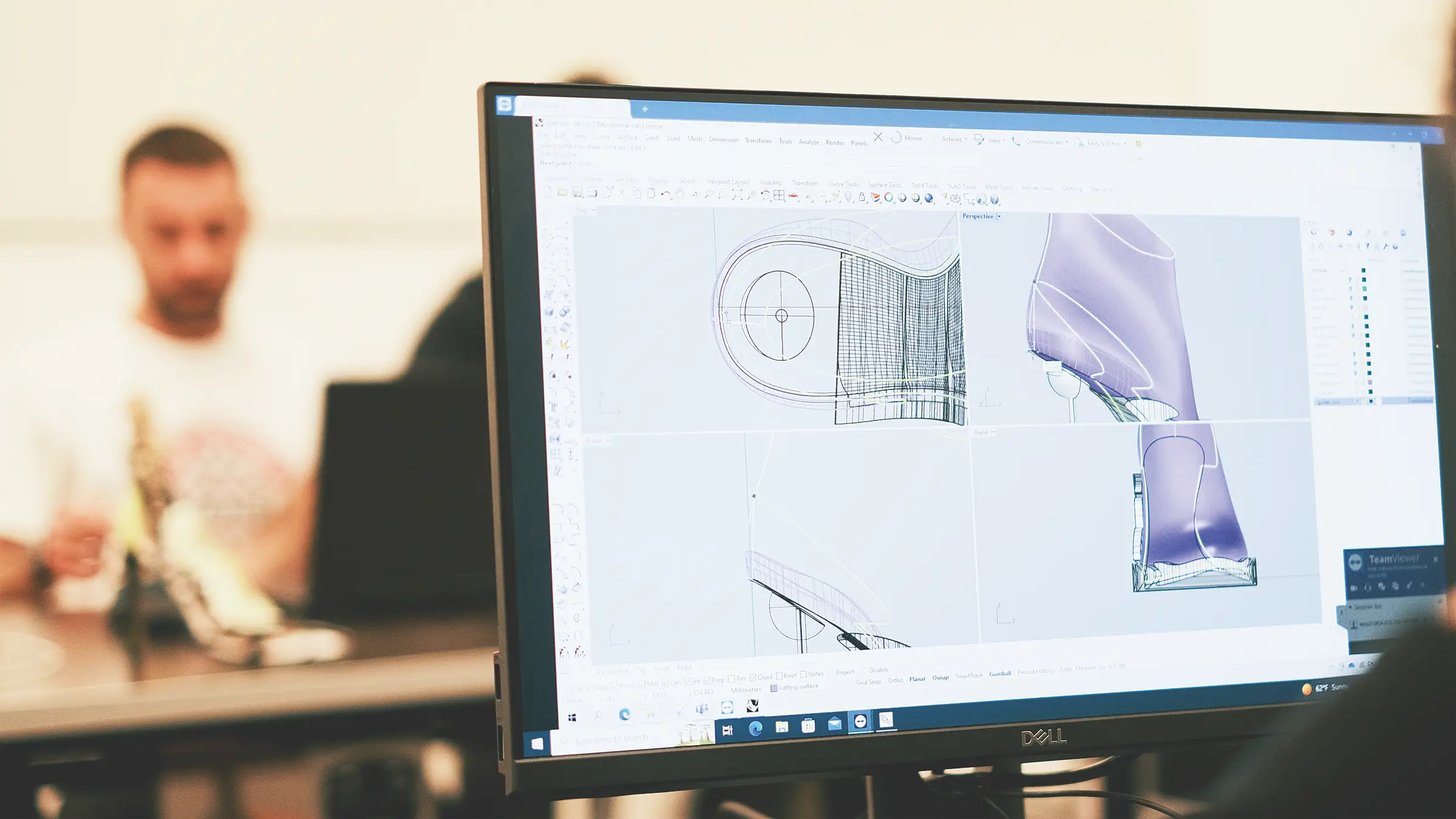
3D is becoming an increasingly widespread technology in the footwear industry. To visualize and communicate a footwear collection in a realistic and complete way and to enhance its technical precision and aesthetic effectiveness, now more than ever you need tools that speak an advanced virtual and visual language.
Intakes
Aug 26, 2024 - Sep 26, 2024
Class schedule
Monday - Thursday
Morning 9:00AM - 12:30AM
Afternoon 1:30PM - 5:00PM
Tuition fees
€ 4,500.00
3D is mainly used in two areas: an “internal” use for design validation among the different teams of the company and an “external” use for interacting with consumers on digital channels (e.g. with product configurators). This course is divided into three main topic areas: 3D tools for the shoe industry, general purpose 3D modelling tools, and the digitalisation of materials and rendering.
As far as state of the art 3D tools for the shoe industry are concerned, we chose iCAD3D+. Other tools for 3D shoe design do in fact exist, but in Arsutoria, we believe that iCAD3D+ is an excellent product from many standpoints, especially when it comes to offering the possibility of connecting the 3D design to the technical development of the shoe in an extremely precise and fast way.
You can also follow this course remotely with the aid of pre-recorded lessons and weekly live reviews with the teacher.
If you’re interested in this attendance modality, contact us.
However, there are good reasons to teach a more generalist 3D modelling tool as well: the first and most important is the extremely accessible price, number of available online resources, continuous updating, and the possibility of exchanging data with many other tools that are part of different digital workflows. In Arsutoria, we chose Rhinoceros, because it is quite popular in the footwear industry, especially for the 3D design of soles.
Starting from 2022 we decided to insert the topic of material digitalisation and rendering technologies.
Digitalisation is the evolution of simply scanning a material: today it is possible to construct extremely sophisticated digital versions of materials (PBR) with impressive features for three-dimensional visualization. Finally, rendering tools allow for the creation of images of virtual shoe prototypes, which are hard to tell apart from physical samples.
Need more information?
Fill out the form, get in touch with our Admissions Team.
Tell us about yourself, your path and your goals. Let's try to understand together if this is the right school for you and which class could be more appropriate for your your training needs.
No spam, we promise :)